Assemblies and bill of materials
The bill of materials (BOM) links a symbol class to a parts recipe. PlanRelevé includes 101 built-in symbols, 101 library assemblies and a shared catalog of 10,665 bilingual parts; the runtime also retains 30 embedded fallback recipes. Your recipes and prices can override them without changing the common library.
Access, path and counted data
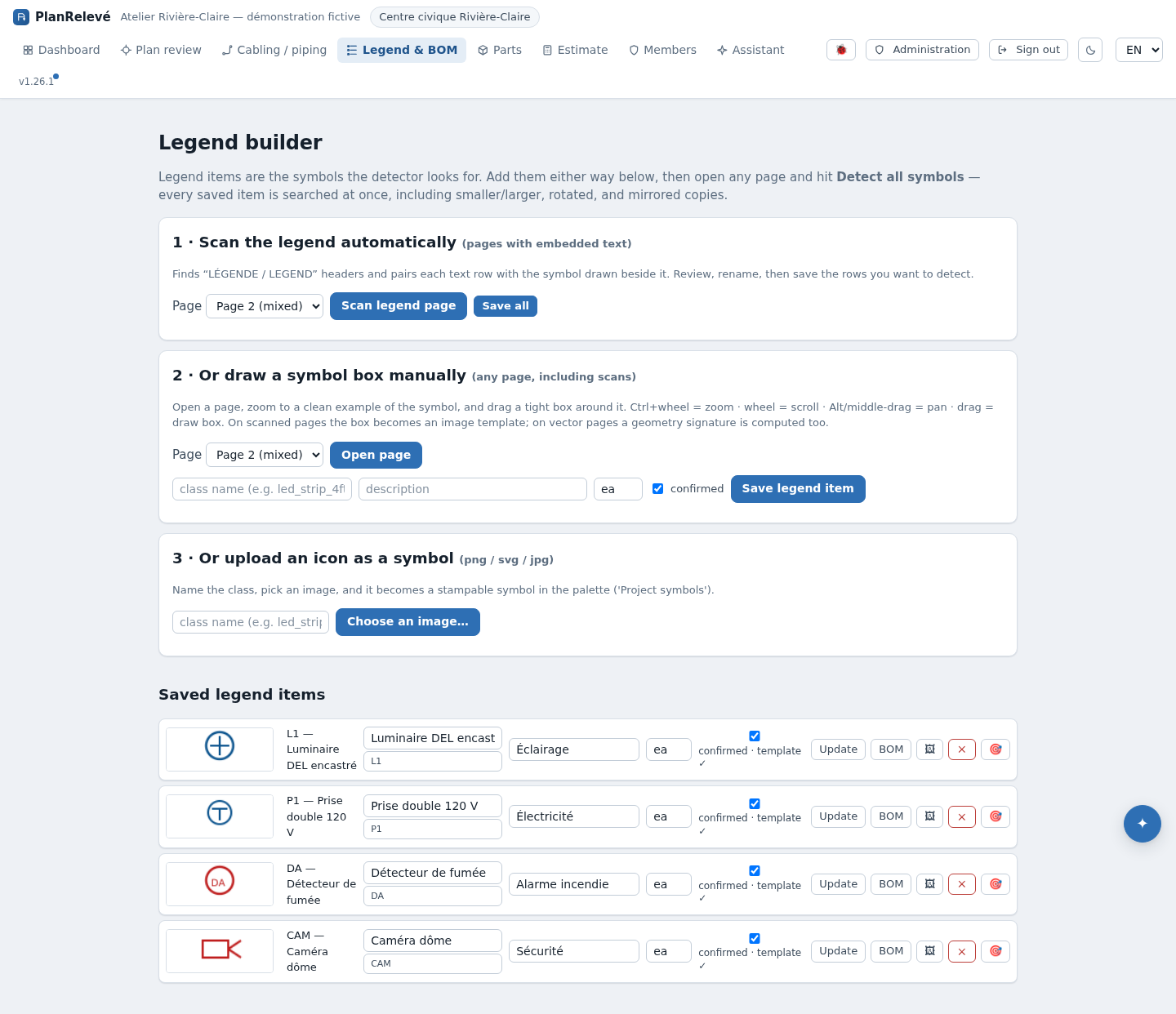
Path: project → Dashboard, the Bill of materials (BOM) section to read it; project → Estimate → Edit recipes to change it. There is no longer a "Legend and BOM" page: classes are created in the Legend symbols (B) tool on Plan review, and their recipes are edited on the estimate page. A viewer may inspect; an editor or project administrator creates classes and changes recipes. See Symbols and manual placement to create a class from a legend scan, plan box or icon.
The BOM uses only confirmed and manual detections on active sheets. Candidates and ignored items never enter materials or the estimate. A disabled sheet is excluded. Review statuses before pricing in Review and quality.
Create or correct a recipe
- Confirm the class name, description and unit. An uncoordinated rename can create a new grouping key.
- On the Estimate page, select Edit recipes, or click the class chip on a BOM line. A class with no recipe is valid, but contributes no lines.
- Add each part with a strictly positive quantity and a unit. Enter a catalog part number to inherit its name, cost and labour hours.
- Leave cost or hours blank to follow the catalog; a value entered in the recipe overrides the catalog value for that line.
- Save at the project tier for a local exception. Publish to the organization when the recipe should serve other authorized projects.
- Open the dashboard or estimate and verify the aggregated quantity, material cost and labour hours.
Three-tier precedence
Resolution always follows project → organization → shared library. This applies to recipes and referenced parts. A project recipe, even an empty one, blocks lower tiers. The imported library covers 101 classes; the runtime also keeps 30 embedded recipes that can seed the editor when the shared library is not yet imported or a matching recipe is absent.
Each class count multiplies every recipe quantity. Lines with the same name and unit consolidate, while their source classes remain visible. Hiding a shared part removes it from lists and pickers, but a recipe that still names its number continues to resolve and price it.
Attribute variants and surfaces
Two assembly names carry a special meaning:
class::wattage_w=1000prices an attribute value with its own parts and hours. Without a variant, each confirmed value inherits the class recipe but still forms its own bill-of-materials line. See Attributes.class::areaprices a surface per square foot. The net area of a zone, voids deducted, then feeds the bill of materials with its provenance.
A valid supplier quote price applies on top of the catalog without changing the recipe: the line simply carries the matching badge.
Missing prices, limits and recovery
A line without cost remains visible with a missing cost; PlanRelevé does not invent a price. Blank hours likewise mean no labour value for that line. Correct the part at the appropriate catalog tier, or enter a recipe-specific value.
If the BOM is empty, check in this order: active sheets, confirmed/manual statuses, exact class-name match, non-empty recipe and positive quantities. If an incorrect override persists, delete or reset the project recipe to reveal the organization or shared value. Then generate a new deliverable from Exports; an earlier export remains a snapshot.